


The new compose pops up in a window, just like chats (only larger). This makes it easy to reference any other emails without ever having to close your draft. You can even do a search or keep an eye on new mail as it comes in. And because the compose window works the same way as chats, you can write multiple messages at once and minimize a message to finish it later.
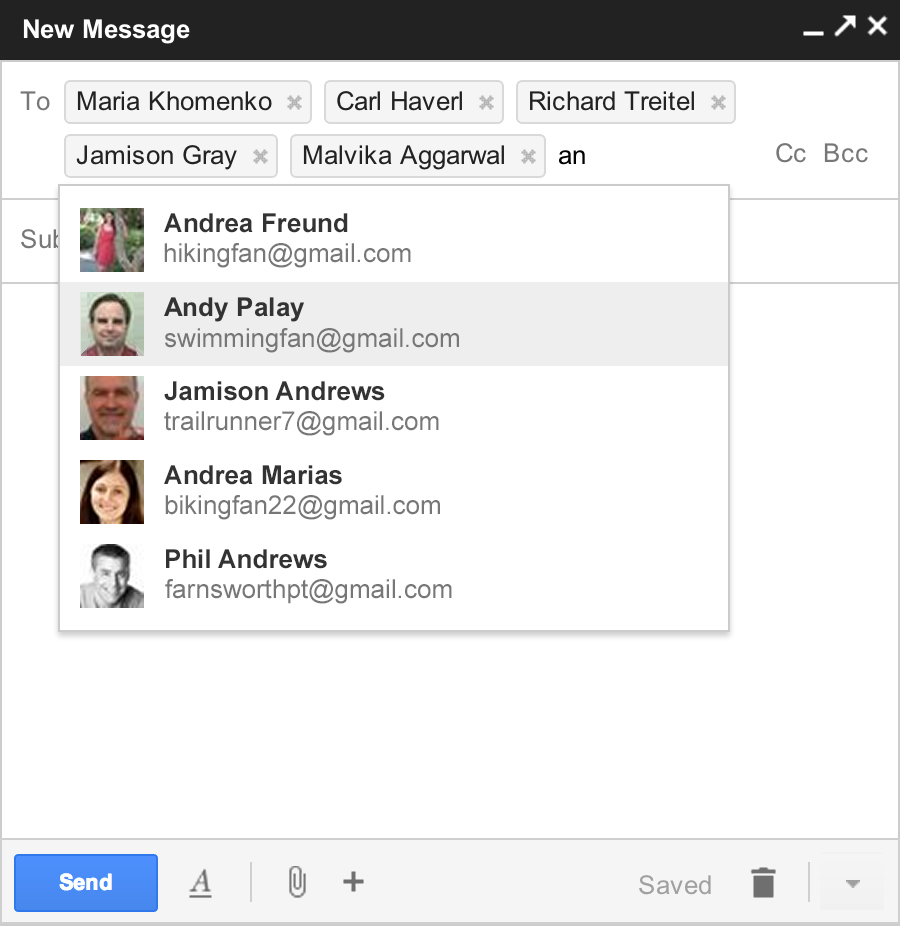
The new compose is designed to focus on what's important: your message. The controls are still there when you need them but get out of the way when you don’t. We’ve even added some new features like the ability to easily insert inline images and have more to come.
And, when you add recipients to your message, you'll see profile pictures of your contacts in autocomplete helping you find the right person faster. You can also drag and drop the new address chips between to:, cc: and bcc:. When you’re done adding recipients, the address area collapses automatically to get out of your way.
The reply experience has been designed to fit better inline as part of your conversation -- replies take up much less vertical height, intelligently expand to fit your content, and always keep the recipients and other controls in view no matter how long your message gets.
Source : Gmail Blog