
IndianMascot
Core Member
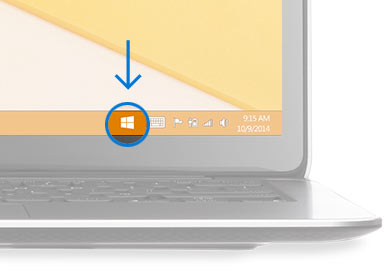
For me also its there and I guess it will be there only till we upgrade.But after I have registered with mine mail ID its still present not going away

For me also its there and I guess it will be there only till we upgrade.But after I have registered with mine mail ID its still present not going away


Nothing is there in the link.How to Upgrade to Windows 10 - Microsoft
Go to this link you will get all which you want to know
You must open it from IE 11Nothing is there in the link.
Means it just saying that the person who getting icon is eligible to upgrade so we already know that.You must open it from IE 11

 I thought they had released some vast steps to upgrade to Windows 10.