

Technoglitch
Core Member
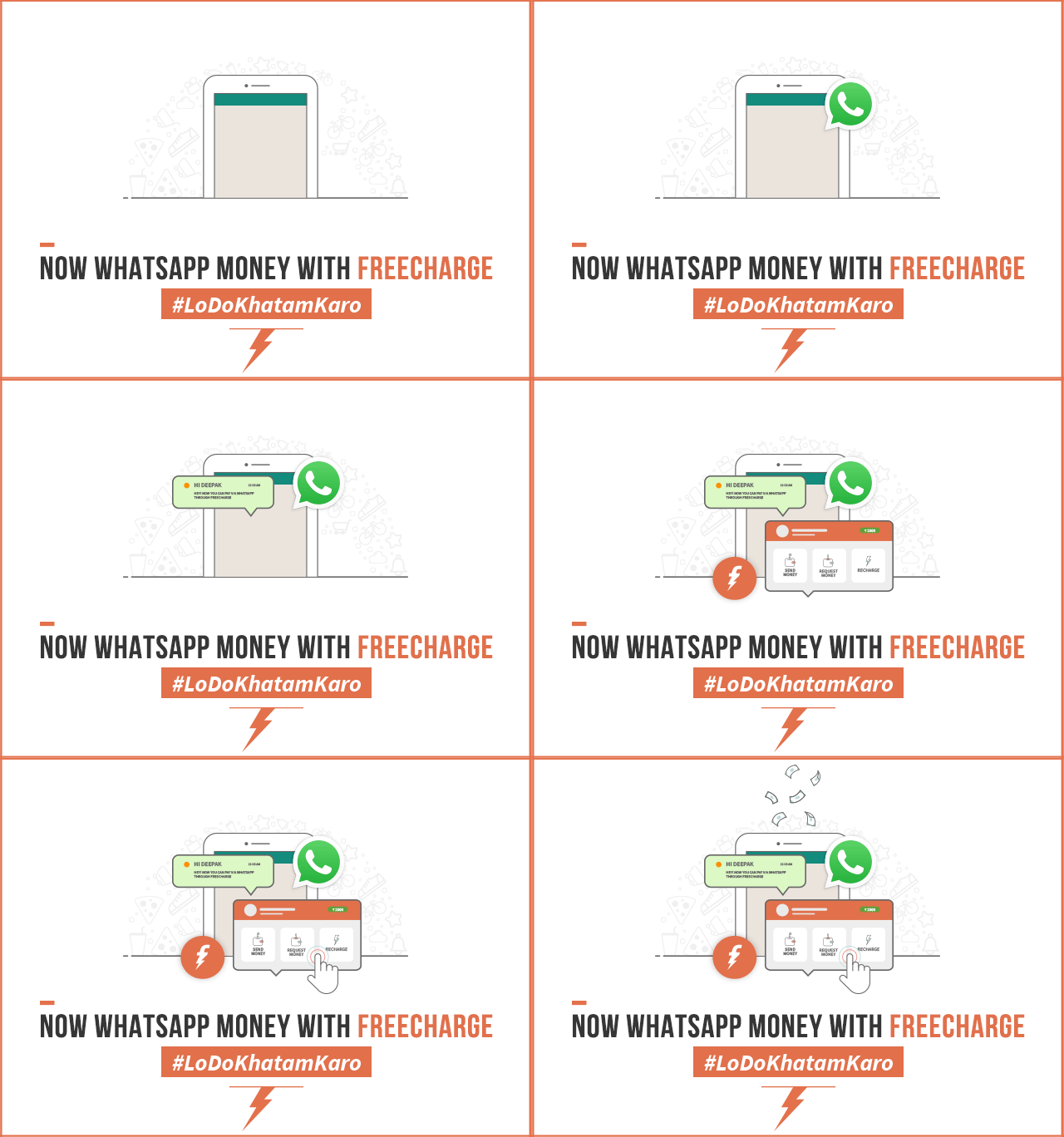
Want to know how this works? Simply follow the steps below:
- Go to “Freecharge on WhatsApp*” in your Android phone from the Freecharge Menu
- Click “Enable” to enable Freecharge in accessibility settings
- Open WhatsApp*
- Type amount followed by FC. Ex: 100FC
- Choose your options – send/request money or recharge!
- Voila! You’re done.

Now WhatsApp Money with Freecharge! | Freecharge Blog


